The command centre of your operation.
PCC is the ground-side platform where a transit operation is planned, monitored and regulated: timetables and crew rosters, live fleet, incidents, passenger information and energy — all in one browser, with nothing to install.
A platform for the people who run the operation.
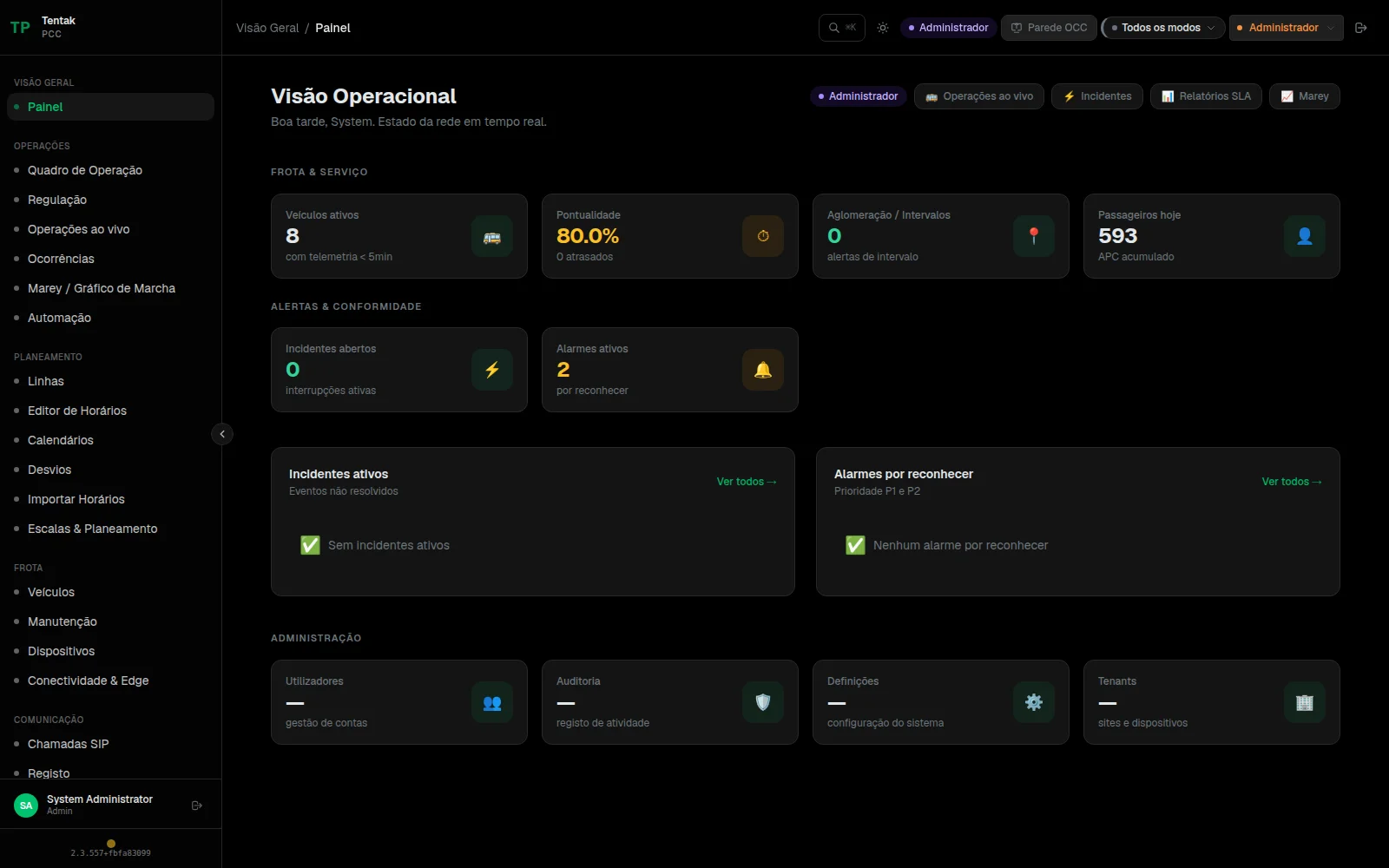
PCC is not a map with buses on it. It is where the day's service is built, where you see what is happening across the network, where you decide what to do when it goes wrong — and where the numbers you have to report at the end of the month come from.
It runs in the browser, with no workstation install. Several operators can share the same platform with each one's data isolated from the rest.
REAL TIME
The state of the network, on one screen.
The control-room synoptic brings together the indicators that matter to the shift on duty — fleet in service, positioning coverage, alarms awaiting action, bunching detected — and refreshes itself, ready to be projected on the control-room wall.
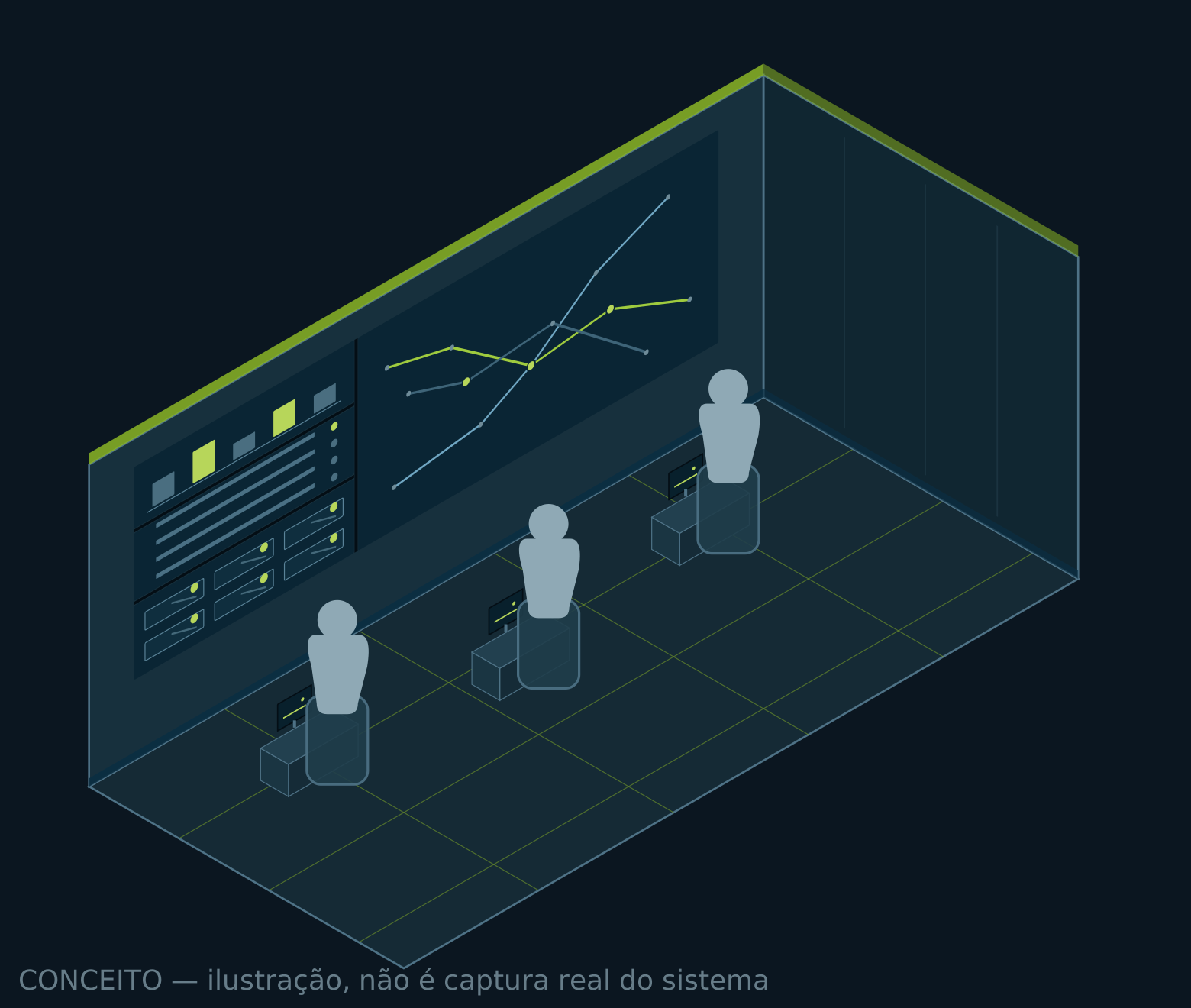
Live fleet
Position, route, destination and current trip for every vehicle, updated continuously.
Bunching and headways
Detection of vehicles closing on each other and of gaps opening up, route by route, before passengers notice.
Talking to the driver
Text messages and voice calls between the control room and the vehicle, with a record of what was exchanged.
REGULATION AND INCIDENTS
When it goes wrong, there is a path to follow.
PCC treats an incident as a process, not as an alert someone will eventually notice. From the alarm to the close-out, with who did what and when.
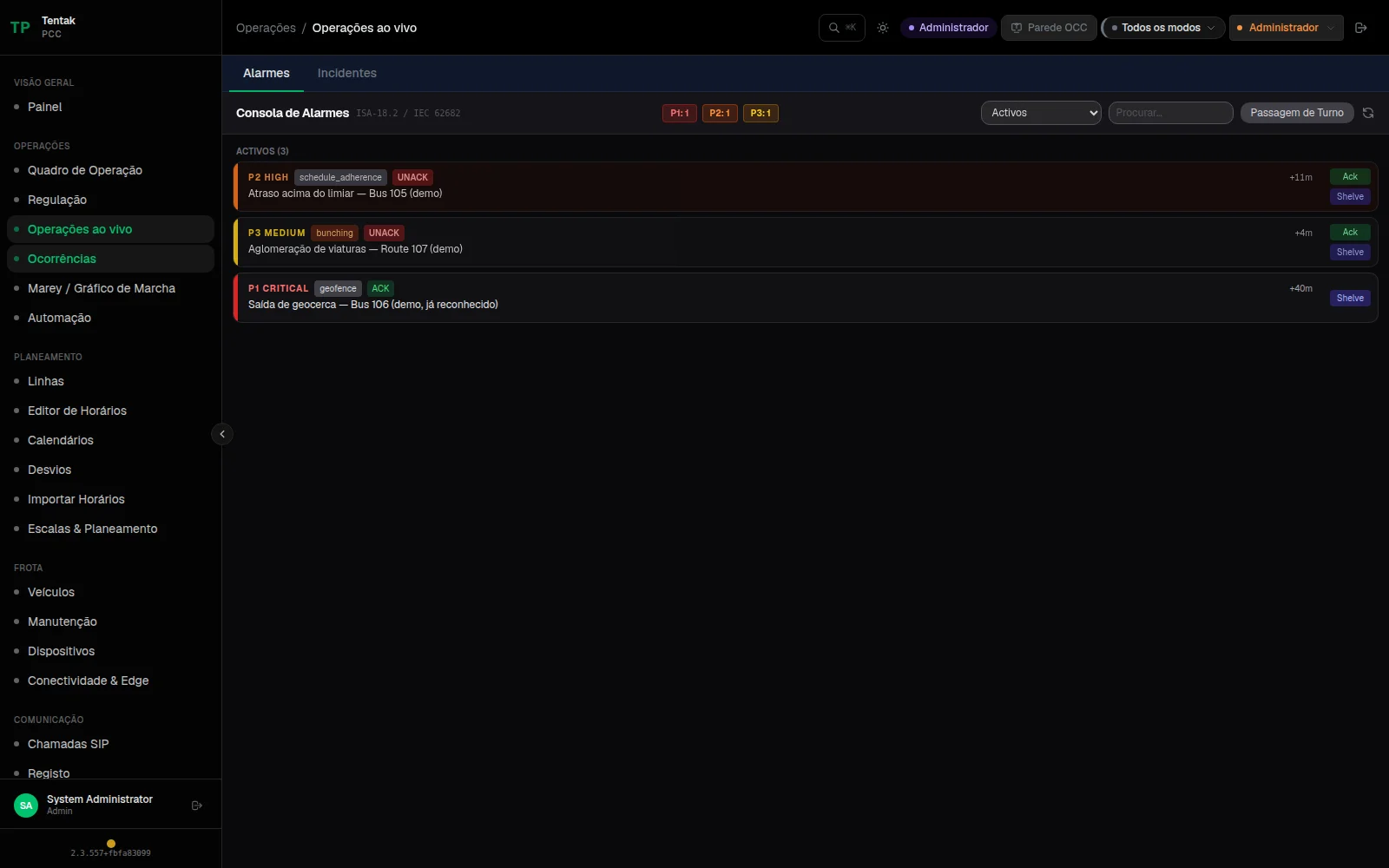
Alarm console to ISA-18.2 / IEC 62682
Acknowledge, shelve temporarily or suppress, with different authority for operator and supervisor, and alarm-flood detection so the shift is not blinded at the worst possible moment.
Service recovery assistant
A read of the situation, the options available — hold, skip stop, short-turn, dispatch a spare — and a record of what was applied.
Emergency
Emergency call from the vehicle with its own console: location, current trip and the state of the request, from the trigger to the close-out.
PLANNING
From the timetable to the driver roster.
The day's service is built inside the platform: routes, timetables, service calendars, vehicle blocking and crew rosters. No spreadsheets travelling by email, and the published timetable becomes the reference for everything measured afterwards.
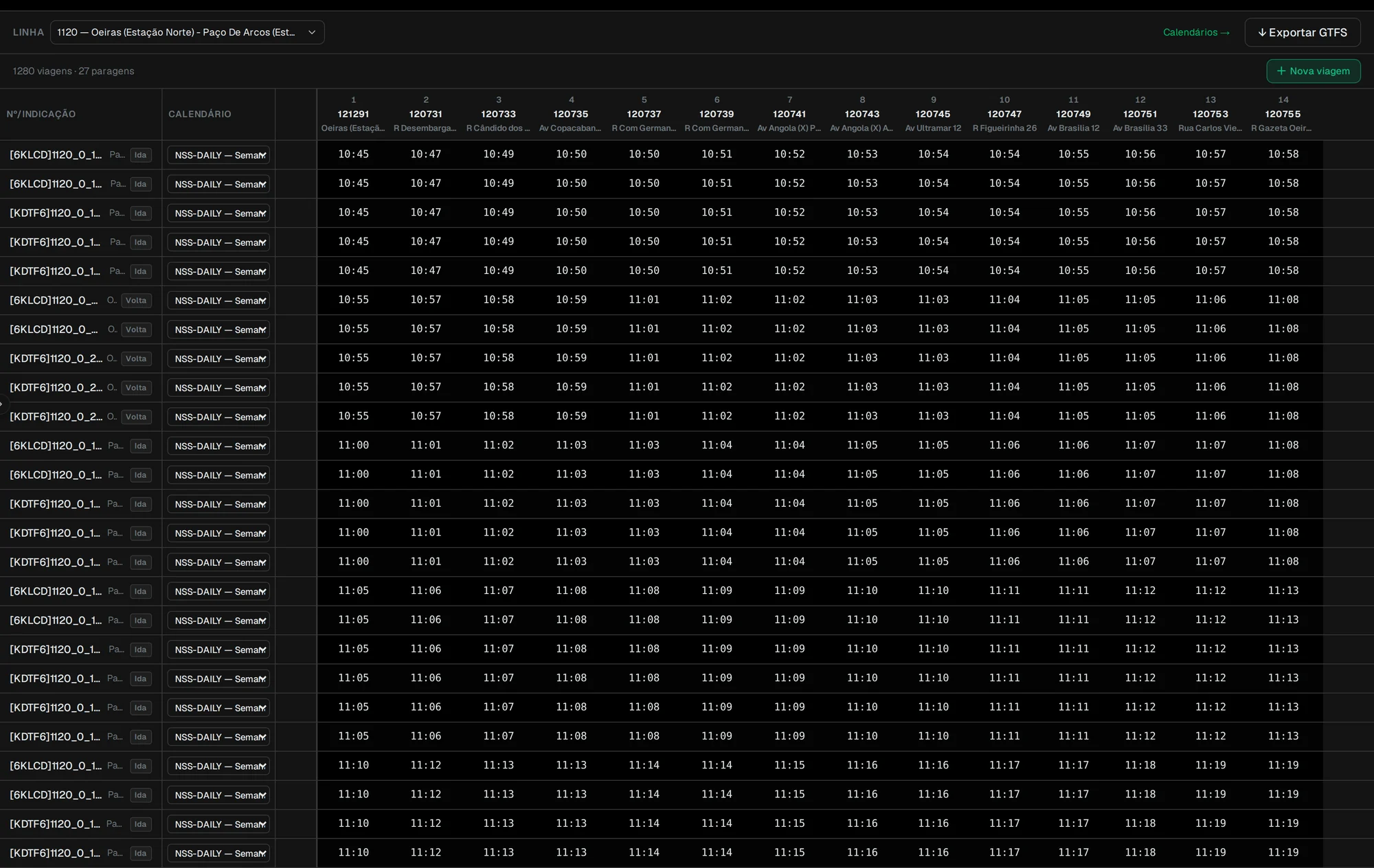
Timetable editor, route by route
Trips, directions, service calendars and passing times at each stop, edited directly, with the trip and stop counts always in view.
Standard import and export
Imports timetables in GTFS and NeTEx and exports GTFS — the timetable comes in and goes out in formats any other system reads.
Vehicle blocking
Automatic assignment of trips to vehicles, minimising dead running and returning the peak vehicle requirement, the service hours, and any trips left uncovered.
Rosters within collective-agreement limits
Multi-week rosters that respect daily and weekly maxima, rest between duties, a day off in every seven-day window and the maximum run of consecutive working days — spreading hours evenly across drivers.
PASSENGER INFORMATION
The same truth, on every channel.
What the operation knows about the service reaches passengers without anyone rewriting it — on the network's screens, on the public feeds and in the app.
Public real-time feeds
Published as GTFS Realtime v2.0 — vehicle positions, trip updates and service alerts — consumable by mapping apps and transit aggregators, with no bespoke integration.
Stops and information panels
Stop and station panels managed from the same place, including spoken announcements with synthesised voice — with no library of recordings to maintain stop by stop.
Passenger app
A web app carrying the operator's brand — routes, stops, next departures with the real status of each one, stops near you, favourites and a live vehicle map. It installs from the browser and keeps showing the last known data when the network drops.
Electric fleet and energy
Chargers over OCPP 1.6J
Chargers from any compliant manufacturer connect to the platform over the standard protocol, with no per-brand software.
Charging on a schedule
Remote start and stop, sessions and meter readings recorded, and the charging window chosen against the next day's wholesale electricity price and the duty each vehicle is due to work.
Maintenance and fleet health
Work orders
Open, in-progress and overdue jobs, preventive schedules and expiry dates coming due, vehicle by vehicle.
Equipment inventory
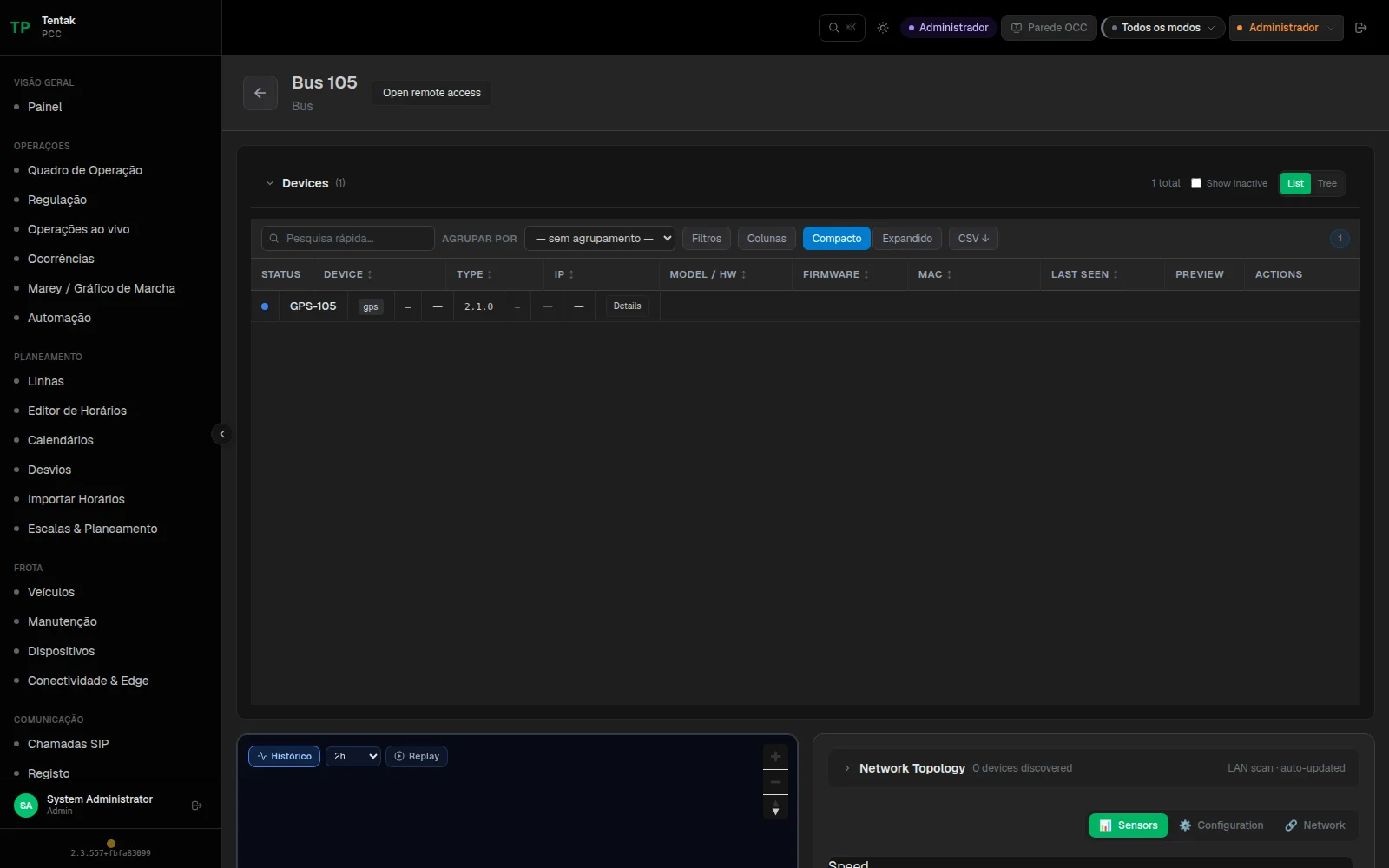
Every on-board device with its status, software version, remote diagnostics and connection history — without a trip to the depot to find out what is going on.
Updates that never interrupt service
Software is downloaded during the day and applied only at the vehicle's next natural start-up. No device reboots itself to update.
PCC and SAE: where one ends, the other begins.
PCC is the ground side — the control-room platform, where service is planned, monitored and regulated. SAE is the vehicle side — the on-board system that runs the operation inside the bus and keeps working with no connection at all.
They are two distinct systems, designed to work together: SAE reports position, trip, status and events to PCC; PCC sends back duty assignments, notices and timetable changes. Neither depends on the other to do the core of its job.